Accessing a Tenancy
Get Tenancy Admin Private Keys
The Content Fabric is currently in ’limited availability’ and provides one default Content Space. To create and fund a Tenant, please submit a request to the Eluvio team at https://eluv.io/register.
Once your Tenant is set up, you will receive the following:
- A
tenant-opsprivate key which is the initial manager of Tenant Admins and Content Admins Access Groups. - A
content-opsprivate key which is a member of the Content Admins Access Group.
Store your private keys safely. If lost, they may not be recoverable and any ‘finder’ has access to Content Objects in your tenancy.
Access the Fabric Browser
Once you are in possession of a private key you can use it to access content through the Fabric Browser.
-
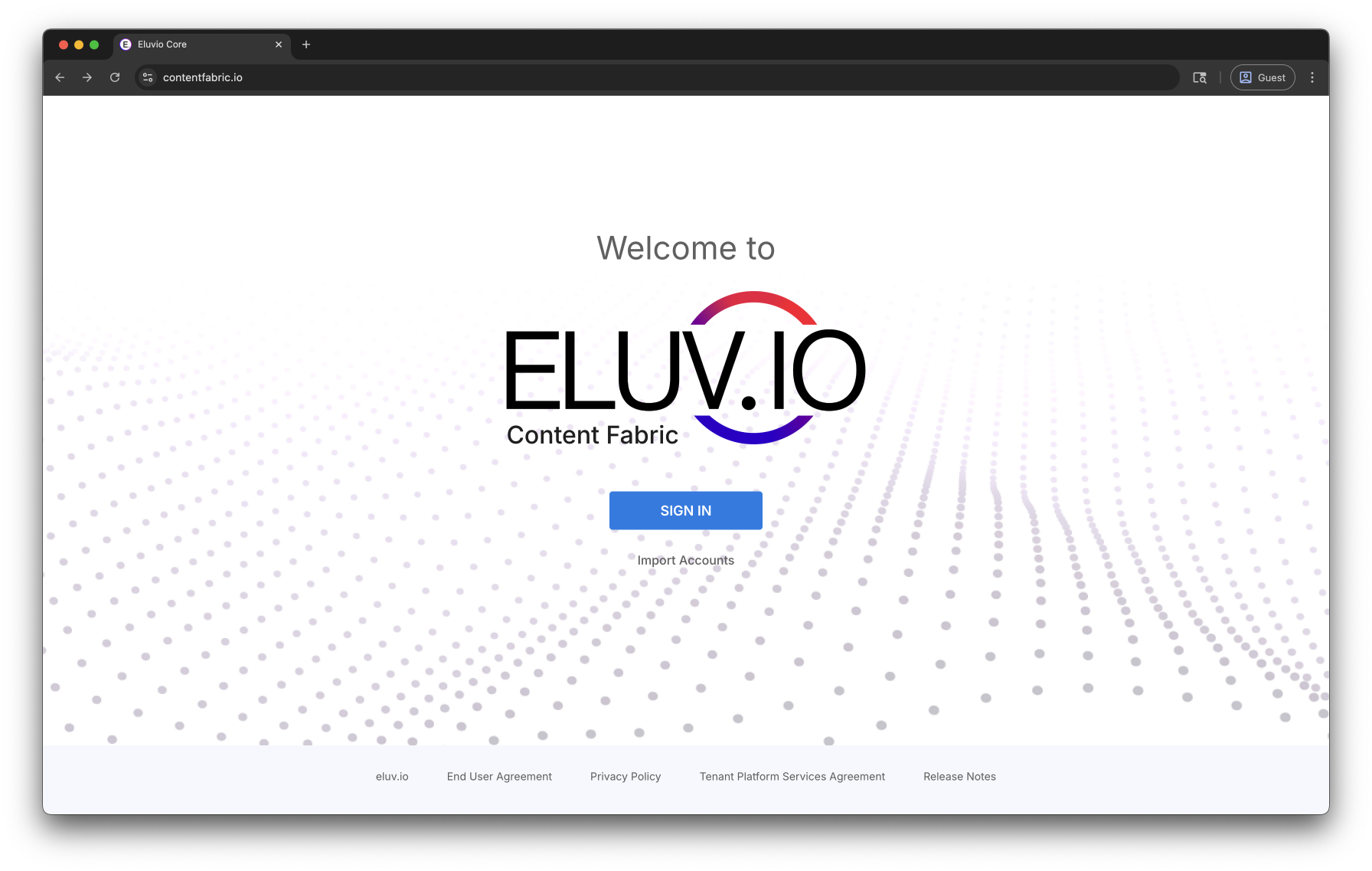
Open Content Fabric Application Suite
- https://contentfabric.io/ for production use
- https://core.demov3.contentfabric.io for development use
-
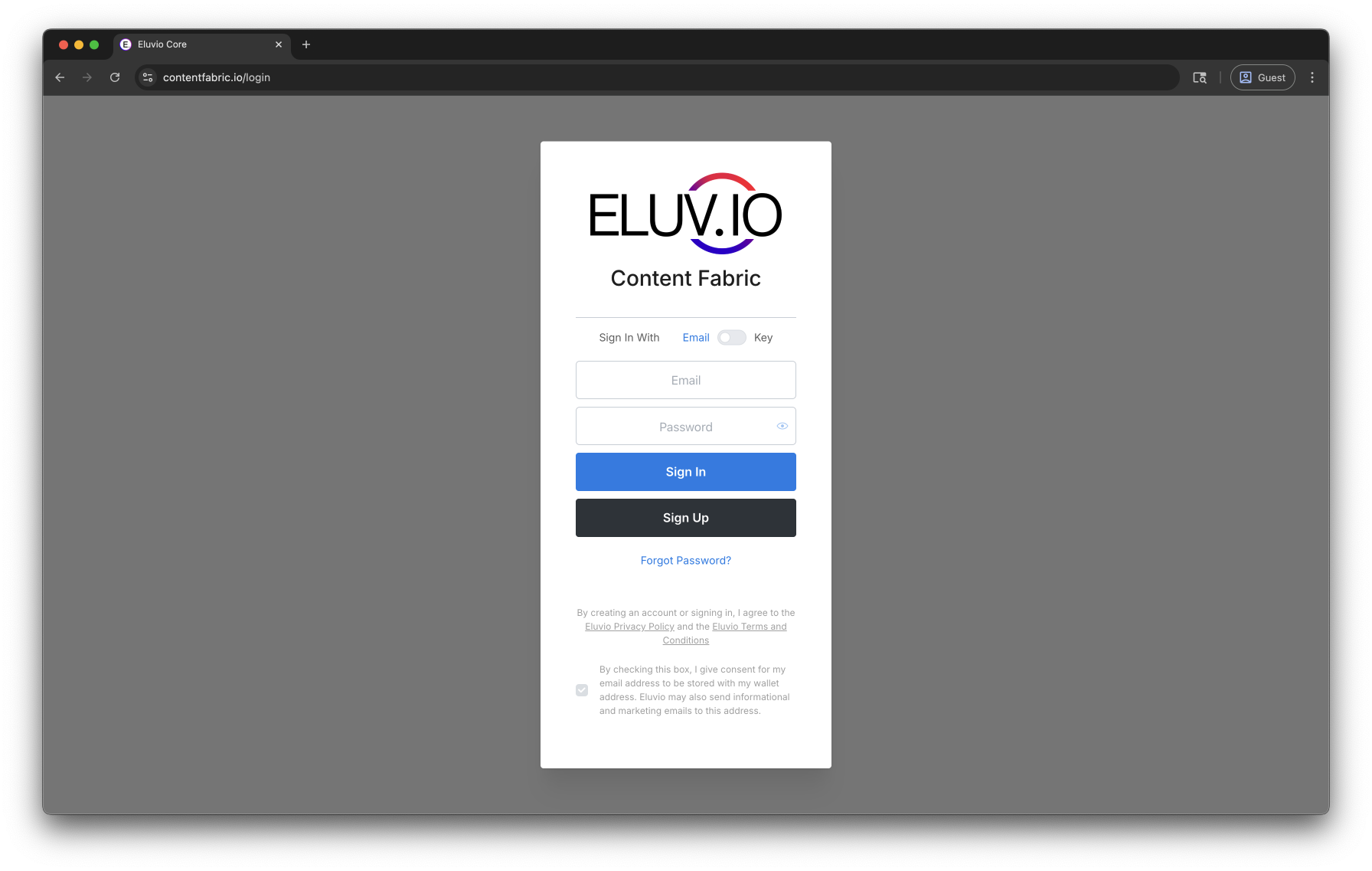
Click “Sign In” to choose your desired method of authentication and create your own password
- Email Sign Up/Log In
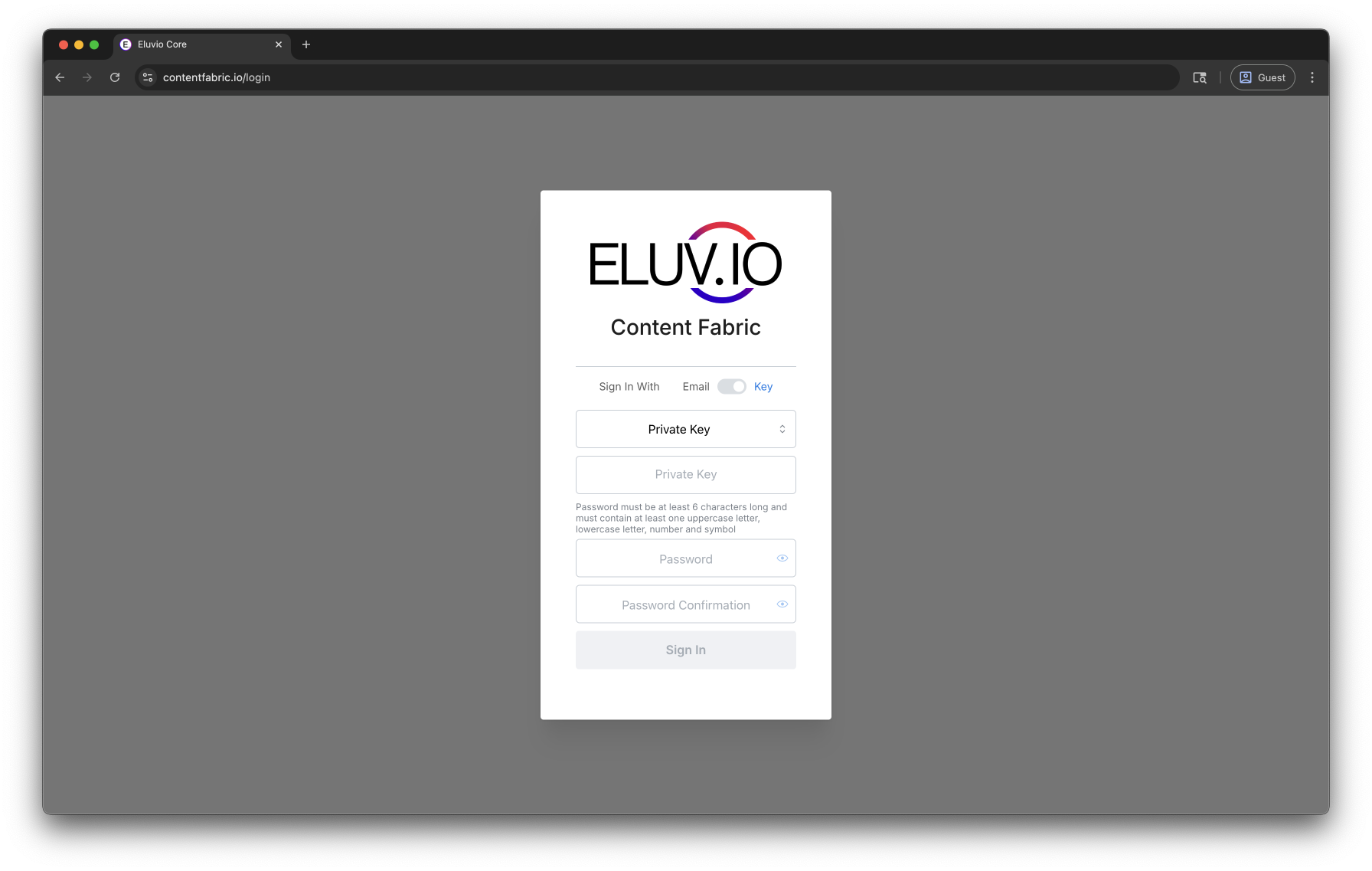
- Private Key Sign Up/Log In
-
Copy in the private key and set a password.
The password is only used for encrypting the private key in your browser storage and it cannot be recovered if lost. If the password is lost, you can simply re-add the account using the private key (or mnemonic, via the Mnemonic tab) and set a new password. You can lock the account in the Fabric Browser when not using it.
- Click on the Eluvio Fabric Browser application icon. This will take you to a view of your Libraries.